

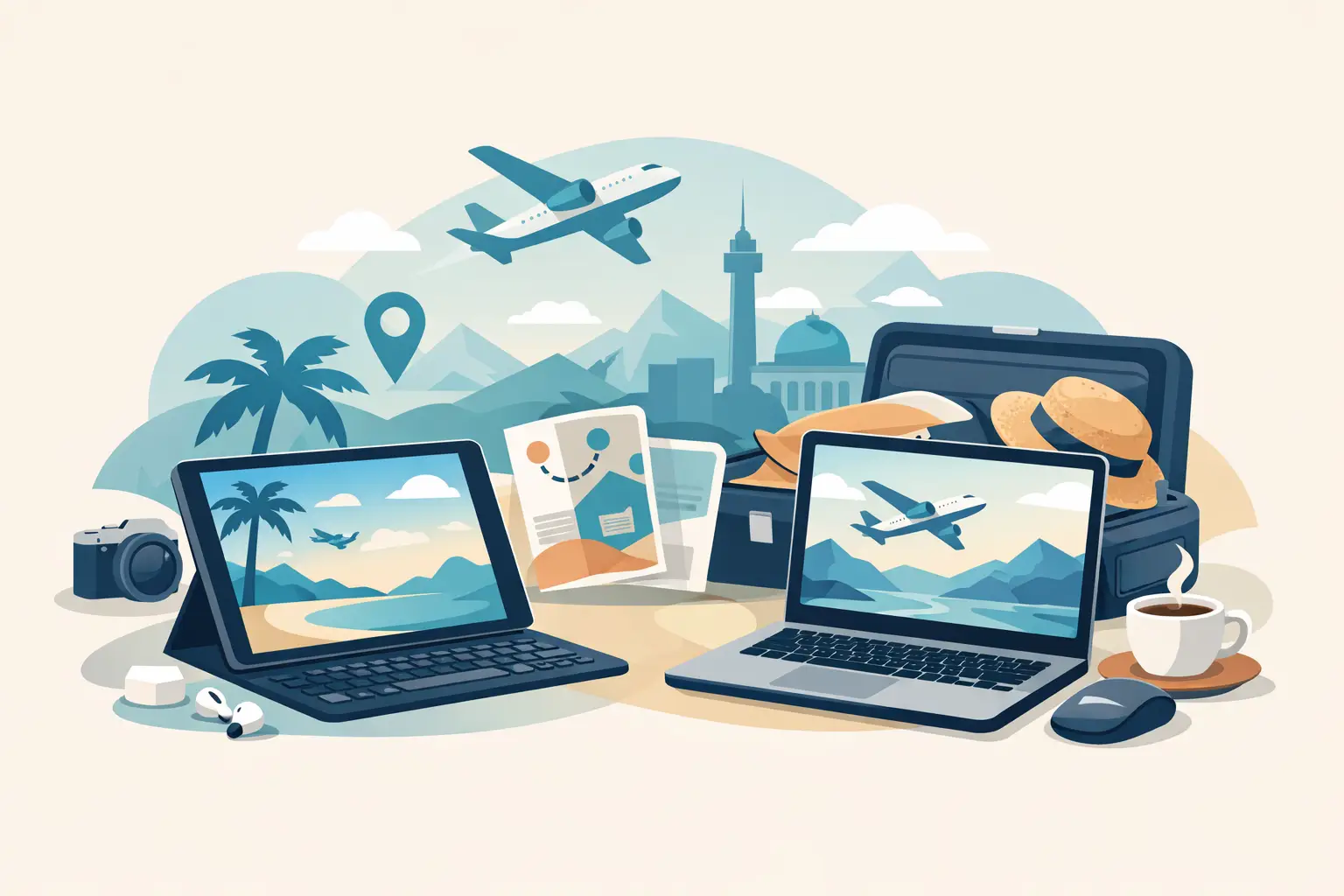
A carry-on can get crowded fast: a change of clothes, chargers, headphones, travel-size essentials, and the items you do not want to check. Choosing a tablet or laptop for travel comes down to what you need that device to do after takeoff. The lighter option is not always the better buy, especially if you plan to work, edit photos, manage bookings, or keep the kids entertained for hours.
The best travel device is the one that earns its space in your bag. Before shopping, think about the length of your trip, whether you need to work, how often you will have access to power, and whether you are bringing a phone that already handles most everyday tasks.
Tablet or Laptop for Travel: Start With Your Trip
A tablet makes sense when travel is the priority and computing is secondary. It is easy to pull out at the airport, comfortable to use in a cramped seat, and ideal for reading, streaming, browsing, video calls, and casual games. For a weekend getaway, a beach vacation, or a trip where you want to stay lightly connected, it can be exactly enough.
A laptop earns its place when you need to produce work, not just consume content. Long emails, spreadsheets, presentations, detailed research, file management, coding, and photo or video editing are generally faster and less frustrating with a full keyboard, larger screen, and desktop-style apps. If a missed deadline would cost more than the extra pound in your backpack, bring the laptop.
There is also a middle ground. A tablet paired with a keyboard case can handle notes, email, simple documents, and remote work tasks surprisingly well. Just be honest about your habits. A compact keyboard is useful for occasional writing, but it may feel limiting if you are building reports all day or moving between several browser windows.
When a Tablet Is the Better Travel Deal
Tablets are built for portability. Most slip into a personal item, take up little room beside a book or makeup bag, and are easier to hold for a movie than a laptop balanced on a tray table. Their touchscreens also make quick tasks feel natural, from checking a map to signing a travel document.
Battery life is another major win. Many tablets can last through a long travel day of reading, browsing, and downloaded entertainment without searching for an outlet. That matters on flights with unreliable seat power, road trips, and busy days spent moving between airports, hotels, and attractions.
For families, a tablet can be one of the most practical travel purchases. Download movies, shows, games, books, and learning apps before leaving home, then pack kid-friendly headphones and a protective case. It keeps entertainment contained without asking a child to handle a larger, more expensive computer in a crowded terminal.
A tablet is also a strong choice for travelers who already use a work computer at home and only need a device for light check-ins. You can answer messages, review documents, attend a quick meeting, and handle reservations without carrying a full office in your bag.
The trade-off is capability. Some mobile apps have fewer features than their computer versions, multitasking can feel cramped, and managing folders or attachments may take extra steps. A tablet can do plenty, but it does not always do it the fastest way.
Shop for the accessories, not just the screen
A tablet becomes more travel-ready with the right extras. A slim protective case, screen protector, compact charger, charging cable, and wireless headphones can make a noticeable difference. If you plan to type, compare the total price of a keyboard case against the cost of a lightweight laptop. A good deal should fit the whole setup, not only the device itself.
When a Laptop Is Worth Packing
A laptop is the clear choice for business travel, remote work, school deadlines, and creative projects that cannot wait until you return. The physical keyboard alone can save time when you need to write several pages, respond to clients, or make edits under pressure. Larger displays also make it easier to compare documents, review details, and keep multiple tasks open.
For travelers who use specialized programs, a laptop is usually non-negotiable. Desktop software for accounting, design, development, data analysis, and advanced editing may not have a comparable tablet version. Even when an app exists, it may lack the shortcuts, storage access, or processing power you rely on.
Laptops also tend to offer more ports and easier connections for flash drives, external displays, cameras, and accessories. This is useful for photographers transferring images, professionals presenting on the road, or students carrying project files between classes and trips.
The downside is bulk. Even a thin laptop requires a charger, a protective sleeve, and more careful packing. It can be awkward in a tight economy seat, and opening it at a cafe or gate makes it more visible to other people. Battery life varies widely, so check real-world reviews and your own expected workload rather than trusting a best-case estimate on the box.
Look for travel-friendly laptop features
If you are buying a laptop specifically for travel, focus on weight, battery life, charging convenience, and durability before chasing the biggest screen. A model around 13 to 14 inches often offers a useful balance between workspace and packability. USB-C charging can be especially convenient when one compatible charger can support several devices.
Choose enough storage for offline files, photos, and downloaded entertainment. Cloud storage is helpful, but airport Wi-Fi and hotel connections are not always fast or secure. A laptop with a comfortable keyboard and solid hinge is a better everyday value than an ultra-thin model that feels difficult to use.
Compare the Costs Beyond the Sale Price
A lower price tag can make a tablet look like the automatic budget pick, but compare the full travel setup. Add the keyboard, case, stylus, adapter, extra storage, and replacement charger if you need them. On the other side, a laptop may cost more upfront but eliminate the need for separate accessories and give you a device that handles work and entertainment in one place.
Consider how long you expect to use it, too. A travel tablet may become the household screen for recipes, video calls, reading, and streaming after your trip. A laptop may support work, school, budgeting, job applications, and home organization for years. The best value is the device that keeps being useful after the luggage is unpacked.
When comparing electronics deals, look past the discount badge. Check screen size, storage capacity, memory, processor type, ports, included accessories, warranty details, and return policy. A great price on a device that cannot run your needed apps is not really a savings.
A Quick Decision for Different Travelers
Choose a tablet if you are taking a short leisure trip, traveling with kids, reading or streaming most often, or want the lightest possible personal-item setup. It is also a smart companion device for people who can leave serious work behind.
Choose a laptop if you are working remotely, attending school, editing large files, using specialized software, or need dependable productivity tools. It is the safer choice when you cannot predict what work will land in your inbox.
Choose a tablet with a keyboard if your needs sit in between. It can be an affordable, flexible option for occasional emails, documents, note-taking, and entertainment, as long as you are comfortable with mobile apps and a smaller work area.
Pack Smarter, Whatever You Choose
Whether you buy a tablet or laptop for travel, prepare it before departure. Update your software at home, download entertainment and important files, save boarding passes and reservations for offline access, and bring the charging cable in your personal item rather than checked luggage. A small power bank can help with phones and tablets, while a compact surge protector may be useful when hotel outlets are limited.
Keep your device protected in a padded sleeve or fitted case, and avoid leaving it unattended in a car, hotel room, or airport seating area. For public Wi-Fi, use care with banking, work accounts, and other sensitive information. A screen lock, device tracking, and regular backups add protection without taking up an inch of suitcase space.
Pendazi shoppers can keep the travel setup practical by comparing electronics with the accessories that make them easier to use on the go. The right case, headphones, charger, or bag often turns a good purchase into a travel essential.
Your itinerary should make the final call. Pack the tablet when freedom to travel light matters most. Pack the laptop when your trip still requires a full workstation. Either way, choose the device that lets you spend less time fighting your tech and more time enjoying where you are.
Discover more from Pendazi
Subscribe to get the latest posts sent to your email.







Leave a Reply