

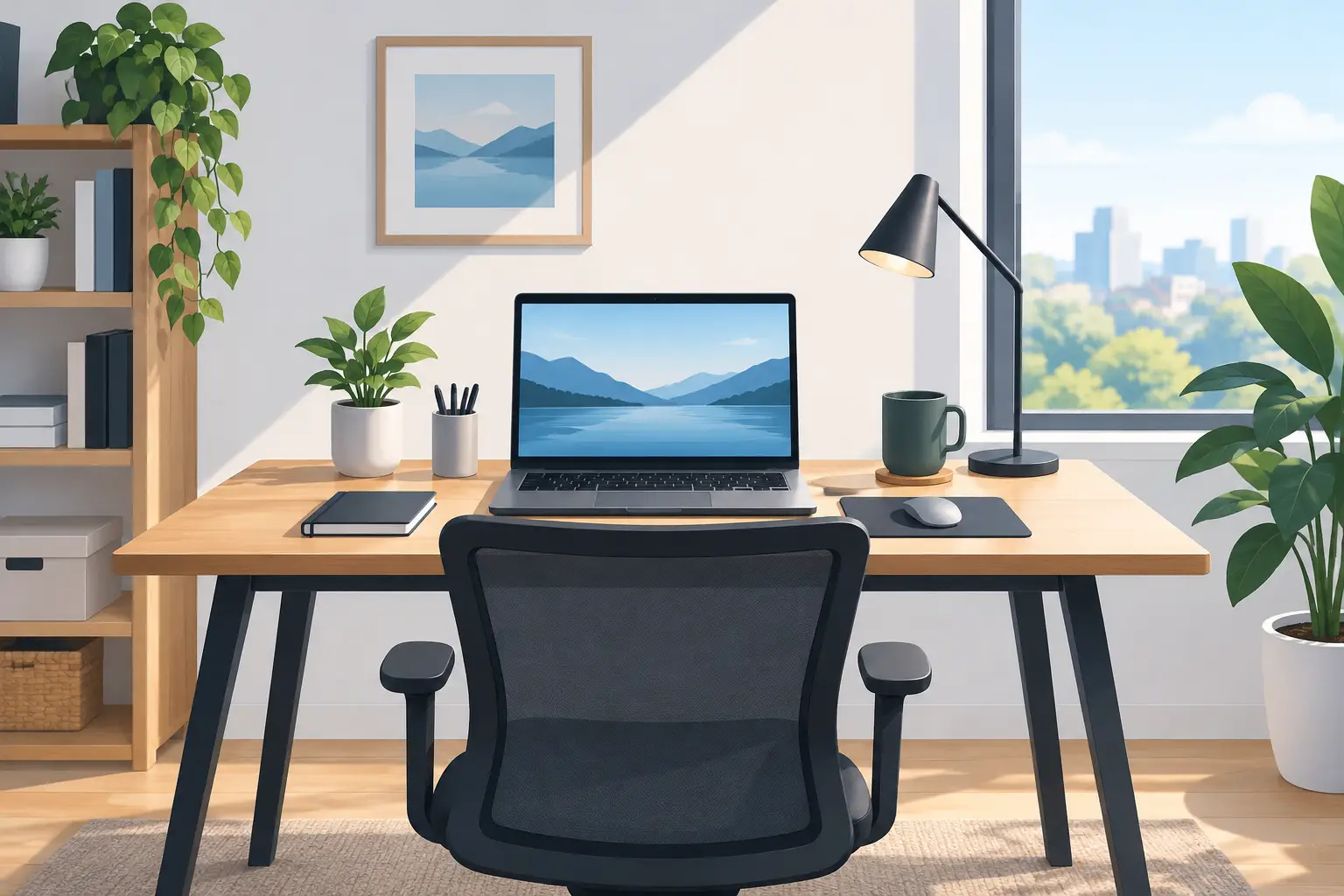
A work from home desk setup example does not need a spare room, a designer budget, or a wall full of tech. It needs to make your workday easier. The right surface, chair, lighting, and storage can turn a bedroom corner, guest room, or small apartment nook into a place where you can focus without filling your home with clutter.
The best part is that you can build a setup in stages. Start with the pieces that affect comfort every day, then add organization and style when a sale or seasonal deal makes it worthwhile. A practical desk setup should fit your routine, your room, and your budget – not someone else’s picture-perfect office.
A Work From Home Desk Setup Example for Everyday Comfort
Picture a compact workstation placed beside a window, with the desk facing into the room rather than directly at the wall. A 40- to 48-inch desk gives most people enough room for a laptop, monitor, notebook, and coffee without taking over a small space. If you work with two screens or handle paperwork often, moving up to a 55-inch surface may be worth it.
On the desk, place a laptop on a riser or stand so the top of the screen sits closer to eye level. Add a separate keyboard and mouse to keep your shoulders relaxed and your wrists in a more natural position. A 24- or 27-inch monitor can make a major difference for spreadsheets, side-by-side documents, video calls, and multitasking. It is a useful upgrade, but it is not the first thing to buy if your current chair leaves you sore by lunch.
Under the desk, keep a small rolling drawer unit or storage basket for chargers, notebooks, and supplies. Above it, use a task lamp with adjustable brightness. Window light is great, but it changes throughout the day and can create glare on a screen. A lamp lets you keep working comfortably after sunset without relying on harsh overhead lighting.
Finish the space with one personal touch: a small plant, framed photo, colorful desk mat, or favorite mug. The goal is not to decorate every inch. It is to make the area feel like a place you want to return to Monday morning.
Start With the Pieces You Feel, Not the Pieces You Post
A sleek monitor arm or matching accessory set looks great, but comfort should lead the shopping list. For most at-home workers, the chair is the biggest quality-of-life purchase. Look for adjustable seat height, back support, and armrests that can fit under your desk. If a full office chair is outside the budget, add a supportive cushion to a stable chair and make sure your feet rest flat on the floor or on a footrest.
Desk height matters, too. Standard desks usually work well for many adults, but every body is different. When you type, your elbows should be bent around 90 degrees and your shoulders should not be lifted toward your ears. If the desk is slightly too high, adjust the chair and use a footrest. If it is too low, desk risers can be an affordable fix.
There is a trade-off with standing desks. They can encourage movement and make it easier to change positions, especially during long calls. However, they cost more than a basic desk and do not replace good sitting posture. A budget-friendly option is a simple desktop riser, or just a scheduled stretch break every hour. Buy the setup that you will actually use, not the one that sounds impressive.
Build Your Desk Setup Around Your Available Space
A dedicated home office is ideal, but plenty of productive workspaces live in shared rooms. A narrow console table can work in a hallway or living room if it is deep enough for your laptop and keyboard. A fold-down desk makes sense in a studio apartment where every square foot has a job. In a bedroom, choose a desk with drawers or pair it with a storage cart so work supplies do not spread onto your nightstand.
Before ordering furniture, measure more than the empty wall. Check door swing, outlets, baseboards, and the clearance needed for your chair. Also consider how you will use the space after work. A large desk might be perfect for a creative professional, while a parent who works from the kitchen between school pickup and dinner may need a portable setup that can be cleared away in minutes.
Cable management is a small detail that makes a shared space look calmer. Use a power strip with surge protection, a cable box, or simple reusable ties to keep cords from tangling underfoot. Keep charging cables within reach, but avoid loading the desk with devices you rarely use. A clean work surface helps your brain switch into work mode faster.
Three Budget Paths That Make Sense
Your work needs should set the budget, not social media trends. A basic setup can be very effective when it includes the essentials and leaves room for upgrades later.
The starter setup
For a simple laptop-based workspace, choose a compact desk, supportive chair or cushion, laptop riser, external keyboard and mouse, and adjustable lamp. This combination handles email, online meetings, schoolwork, scheduling, and most daily tasks. Add a small organizer rather than buying a large filing cabinet you may never fill.
The focus upgrade
If you spend six or more hours at the desk, invest next in an ergonomic office chair and an external monitor. This is the sweet spot for many remote employees and freelancers because it improves comfort and gives you more room to work. A monitor stand or riser can free up desk space while keeping the display at a better height.
The multitasking setup
For design work, finance, customer support, editing, or any role with multiple windows open all day, choose a wider desk, larger monitor or dual-monitor arrangement, and more substantial storage. Consider a monitor arm only if your desk supports it and you regularly need to reposition screens. It saves surface space, but a sturdy stand is often simpler and less expensive.
Lighting and Video Calls Deserve More Attention
Bad lighting can make a functional desk feel tiring. Position your screen at a right angle to a window when possible. Sitting directly in front of a bright window can turn you into a silhouette on video calls, while placing the window behind your monitor may cause glare. Side lighting is usually the easiest place to start.
For meetings, put a small lamp in front of you or slightly to one side, with soft light aimed toward your face. You do not need a complicated studio setup. A basic light with adjustable color temperature can help you look more alert on camera, particularly during darker winter afternoons.
Audio is another consideration. If your home is busy, a headset with a microphone can reduce distractions for both you and the people on the call. If calls are occasional, headphones and a quiet corner may be all you need. Avoid buying specialized gear before you know what your job actually demands.
Add Storage That Keeps Work From Taking Over Home
The most useful work-from-home storage is easy to reach and easy to reset. Keep daily items like pens, sticky notes, headphones, and chargers in a desk drawer or desktop tray. Store less-used items in a labeled bin, shelf, or rolling cart. That separation makes it easier to close the laptop at the end of the day and reclaim your living space.
For a quick, value-minded shopping plan, prioritize these five categories:
- A desk with enough depth for your screen and keyboard
- A supportive seat and a footrest or cushion if needed
- Screen-height support, such as a laptop stand or monitor riser
- Adjustable task lighting for darker hours and video calls
- Simple organizers for cables, papers, and small accessories
Once these essentials are in place, browse for extras that make the setup feel more like yours. A desk mat can protect the surface and add color. A compact fan, throw blanket, or small shelf can make a chilly or awkward room more comfortable. Pendazi-style cross-category shopping is especially handy here because home organization, electronics accessories, and lifestyle finds often belong in the same cart.
Make Your Setup Easy to Maintain
A good desk setup should not require a Sunday reset that takes an hour. Keep one small tray for loose items, return equipment to the same place each evening, and wipe down the desk before the workweek starts. If you share the area, use a portable organizer that lets you pack away work supplies quickly.
Your ideal work-from-home desk will probably change as your schedule changes. Start with comfort and function, watch for deals on the upgrades you will use most, and let the space earn its extras over time. A desk that supports your real day is always a better buy than one that only looks good in a photo.
Discover more from Pendazi
Subscribe to get the latest posts sent to your email.







Leave a Reply