

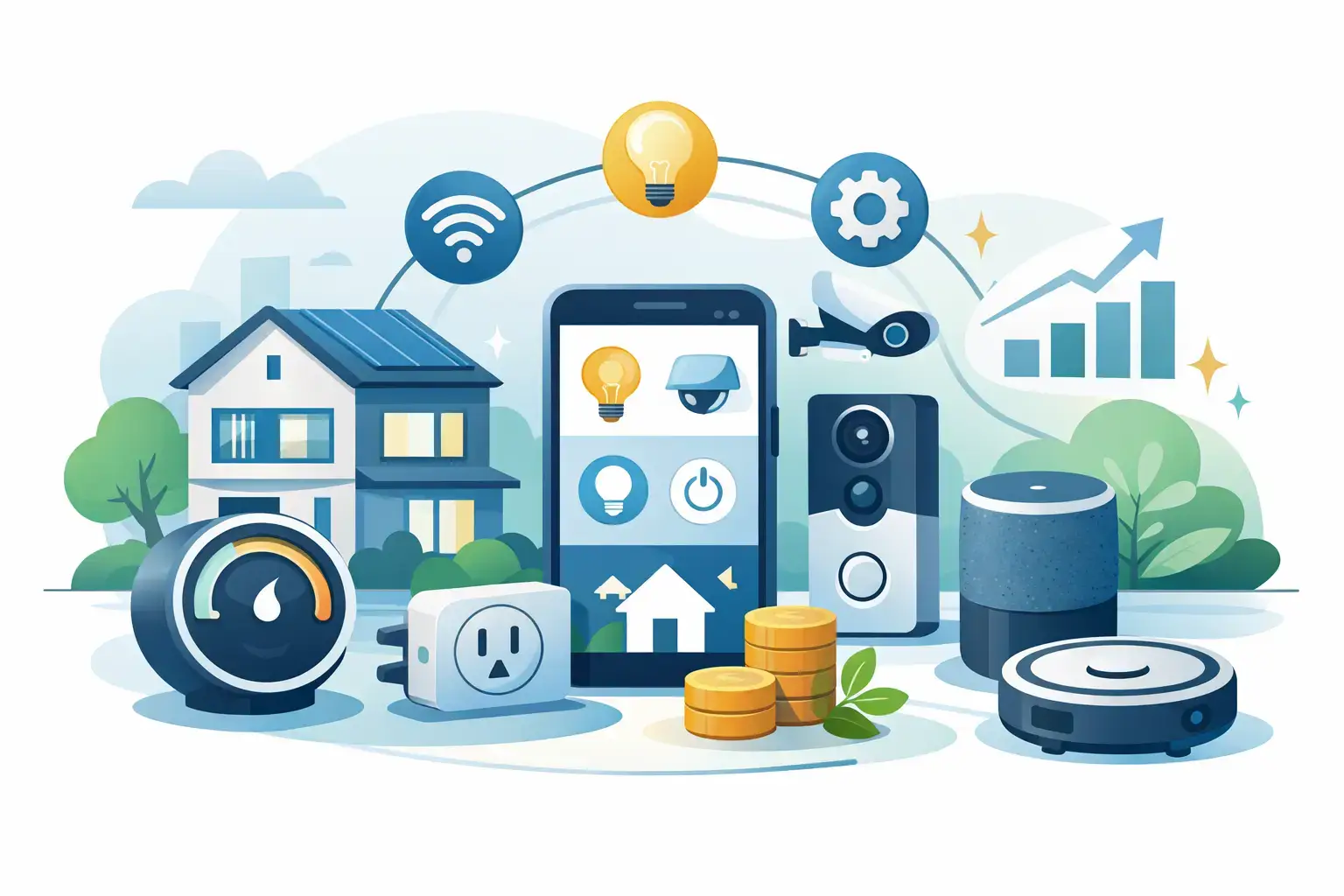
A smart bulb that turns on before you walk in the door sounds great. A house full of gadgets you barely use does not. That is why a practical guide to smart home gadgets starts with one question: which devices actually make everyday life easier without running up your total too fast?
For most shoppers, the best smart home setup is not the flashiest one. It is the mix that saves time, adds comfort, and fits your space, routine, and budget. If you are shopping deals, comparing features, or trying to upgrade one room at a time, knowing what to buy first can help you skip the gimmicks and focus on gadgets that earn their spot.
How to use this guide to smart home gadgets
Think of smart home shopping like any other category purchase. You want clear value, easy setup, and features you will actually use after the first week. Some gadgets are great entry points because they are affordable and simple. Others make more sense once you already have a few connected devices working together.
A good rule is to shop by problem, not by hype. Want better lighting at night? Start with bulbs or plugs. Want more peace of mind? Look at cameras, video doorbells, or sensors. Want to cut down on daily friction? A smart speaker or display can be a strong first buy.
Compatibility matters too. Some devices work best within the same ecosystem, while others are designed to play nicely across platforms. If you already use a voice assistant or have a preferred app setup, check that before adding more products to your cart.
Start with the gadgets that give quick wins
The easiest smart home upgrades are usually the ones that do one job well and take minutes to set up. Smart plugs are a classic example. They can turn lamps, coffee makers, or fans into scheduled devices without replacing what you already own. They are usually lower cost than larger smart appliances, which makes them a smart buy for first-time shoppers.
Smart bulbs are another easy win. They let you adjust brightness, set schedules, and in some cases change color for movie nights, holidays, or kids’ rooms. The trade-off is that they work best when the wall switch stays on, which can be annoying in shared households if someone keeps flipping the switch off.
If convenience is your top priority, smart speakers and displays are worth a look. They can control lights, answer quick questions, set timers, and help manage routines across the house. A display adds visual control for recipes, calendars, and camera feeds, but it also costs more and takes up counter space.
Smart security gadgets worth considering
Security is where many shoppers see immediate value, especially if packages sit outside or family members come and go during the day. Video doorbells, indoor cameras, outdoor cameras, and motion sensors can all add visibility.
A video doorbell is often the first security buy because it covers a high-traffic area and helps with deliveries. Indoor cameras can be useful for checking on pets or kids, while outdoor cameras offer wider perimeter coverage. If your goal is basic awareness, one well-placed device may be enough. If you want broader coverage, costs can rise quickly once you add multiple units, storage plans, and accessories.
Privacy is the real trade-off here. The more connected cameras and microphones you place in your home, the more carefully you should review app permissions, storage settings, and notification preferences. Smart security is convenient, but it works best when you stay selective rather than buying every device in the category.
Where smart thermostats and sensors make sense
A smart thermostat can be one of the most practical upgrades in this guide to smart home gadgets, especially if your heating and cooling bills run high. The appeal is simple: automatic scheduling, remote control, and better awareness of how your home uses energy.
That said, not every household gets the same payoff. If you already keep your temperature steady all day, the savings may be modest. If your schedule changes often, or if the house is empty for large blocks of time, a smart thermostat can be a much stronger value.
Door and window sensors are less flashy, but they can be surprisingly useful. They can alert you if a door opens, help trigger lights, or support a broader security setup. Water leak sensors are another underrated buy. One small device near a washing machine, sink, or water heater can help you catch a problem early.
Kitchen and cleaning gadgets: useful or extra?
This is the category where it really depends on your routine. Smart kitchen gadgets can be fun, but not all of them solve a daily problem. A connected coffee maker may sound convenient, but if you still need to fill it and set it up every night, the app control may not change much.
Robot vacuums tend to offer more obvious value, particularly in homes with pets, kids, or hard floors. Scheduling cleanups while you are out can save time, and newer models handle mapping better than older budget versions. The trade-off is that cluttered floors, cords, and thick rugs can still trip them up.
Smart air fryers, pressure cookers, and countertop appliances appeal to shoppers who like presets and app-based control, but they are not must-haves for every kitchen. If storage space is tight, prioritize appliances you will use several times a week, not just gadgets that look good during a sale event.
Smart home gadgets for comfort and daily routines
Some of the best buys are the ones that make your day run smoother in small ways. Smart blinds, air purifiers, humidifiers, and light strips all fall into this category. They may not feel essential at first, but they can improve comfort and atmosphere in ways that become noticeable fast.
Bedrooms benefit from smart lighting and white noise or sleep-focused devices. Living rooms often get the most value from speakers, streaming controls, and ambient lighting. Entryways are a natural fit for video doorbells, smart locks, and motion-triggered lights.
Smart locks deserve a careful look. They are convenient for families, guests, and package access, but battery maintenance and installation are worth thinking through. For some shoppers, keypad entry alone is enough. For others, app access, temporary codes, and remote locking are what make the purchase feel worth it.
What to check before you buy
Before adding anything to your wishlist, compare the basics: platform compatibility, setup requirements, app ratings, and whether extra subscriptions are needed. A low upfront price can look great until cloud storage, premium features, or accessories increase the real cost.
Wi-Fi strength matters more than many shoppers expect. A device can have great features on paper and still disappoint if your signal drops in the room where it lives. If you are planning to add multiple gadgets, make sure your network can handle them.
It also helps to think in bundles. Buying a few compatible products at once can make setup easier and create more useful routines right away. For deal-focused shoppers, watching for category discounts, seasonal promotions, and free-shipping thresholds can stretch your budget further without forcing you into impulse buys.
A simple buying order for most homes
If you are starting from zero, begin with one convenience device and one problem-solver. That might mean a smart speaker plus smart bulbs, or a video doorbell plus a smart plug. Once you know you like the app experience and daily use feels natural, build out room by room.
The smartest path is usually this: lighting or plugs first, security second, climate control third, and specialty gadgets after that. It keeps costs manageable and helps you learn what features matter most to you before you invest in bigger-ticket devices.
For shoppers who want variety without hopping across stores, a broad marketplace can make comparison easier because you can browse electronics, home goods, and everyday add-ons in one place. Pendazi fits that convenience-driven approach, especially when you are balancing features, price, and deal value across categories.
Smart home shopping is at its best when it feels useful on day one and still worth it months later. Buy the gadgets that solve real annoyances, skip the ones that only sound impressive, and let your setup grow with your routine rather than racing to fill every corner of the house.
Discover more from Pendazi
Subscribe to get the latest posts sent to your email.






Leave a Reply