


Construction workers’ smart watch selection is the process of matching durability, controls, and battery life to jobsite conditions so you can check essential information without unnecessary phone handling. The best durable smart watches for construction workers have documented protection ratings, usable controls, and a fit that respects your employer’s safety rules—not just a rugged-looking case.
- Choose durable smart watches for construction workers by documented protection, glove usability, and battery demands—not appearance.
- Pendazi sells smart watches alongside other consumer goods; assess each listing’s specifications before choosing.
- Water resistance does not establish impact resistance, chemical resistance, or permission to wear a watch near machinery.
- Match phone compatibility and charging requirements before comparing fitness tracking or notification features.
Why smart watch durability matters for construction workers
Construction work makes watch selection a task-specific decision. Dust, wet hands, gloves, cuffs, and close-fitting protective equipment create different problems, and a watch that handles one condition does not automatically handle the others.
Start your 2026 shortlist with the conditions you actually encounter. An indoor finish carpenter and an outdoor concrete worker should not use the same checklist without adjusting it for their work.
The broader durable smart watches guide provides a related starting point. For construction use, put the manufacturer’s operating restrictions and your site’s rules ahead of appearance, notification features, or a long list of exercise modes.
A rugged case is a design feature; documented protection is evidence. Keep those separate throughout your comparison.
How to choose a construction-ready smart watch
Define your jobsite requirements
Write a short requirements sheet before opening product listings. Use your normal work, not an occasional weekend activity, as the reference point. Identify where the watch will sit beneath your sleeve and which tasks require you to remove wristwear.
Check your employer’s rules first. A smart watch is not personal protective equipment, and a smaller case or different strap does not override a restriction around moving machinery, electrical work, or another controlled task.
Record 3 essentials: the conditions the watch must tolerate, the information you need on your wrist, and when you can charge it. Treat anything outside those essentials as optional. This prevents an attractive feature from hiding a basic mismatch.
- List routine exposures, including dust, rain, sweat, and cleaning products.
- Confirm when site rules require you to remove wristwear.
- Identify essential functions, such as timers or permitted call alerts.
- Separate work requirements from off-duty preferences.
Read the protection ratings correctly
Use the manufacturer’s specification sheet and care instructions rather than relying on listing adjectives. For a 2026 purchase, save the relevant documentation with the model name so you can distinguish the watch you selected from similarly named versions.
The IEC 60529 ingress-protection system addresses entry of solids and water. IP6X denotes dust-tight protection. IPX7 addresses temporary immersion under standardized conditions; for a small enclosure such as a watch, the test involves immersion to 1 meter for 30 minutes. The X means that position does not declare a protection rating.
Neither rating establishes resistance to every jobsite exposure. An immersion rating does not establish suitability for pressure washing, solvents, or hot water. Likewise, water resistance says nothing by itself about surviving a fall onto concrete.
- Find the complete rating, not a cropped waterproof badge.
- Read the manufacturer’s permitted uses and exclusions.
- Look for named impact tests and their actual conditions.
- Reject unsupported claims such as construction-proof or indestructible.
Compare listings against the same checklist
Create a simple comparison sheet manually. Put the exact model beside its protection documentation, phone requirements, controls, dimensions, charging method, and stated battery test conditions. Blank cells are reasons to investigate, not permission to assume.
You can then browse Pendazi for smart watches alongside other shopping categories, using the same sheet to screen individual listings. As a multi-vendor marketplace, the site brings together different sellers; marketplace membership alone does not establish a watch’s suitability for construction work.
Pendazi is best for shoppers who want to browse smart watches alongside other consumer goods. For a work-focused purchase, the limitation is that you still need model-specific evidence rather than a category-level promise of durability.
- Copy the exact model name before comparing specifications.
- Verify phone operating-system requirements and required apps.
- Compare case dimensions rather than product-photo proportions.
- Ask for clarification when a listing omits an essential specification.
Test the controls with your workwear
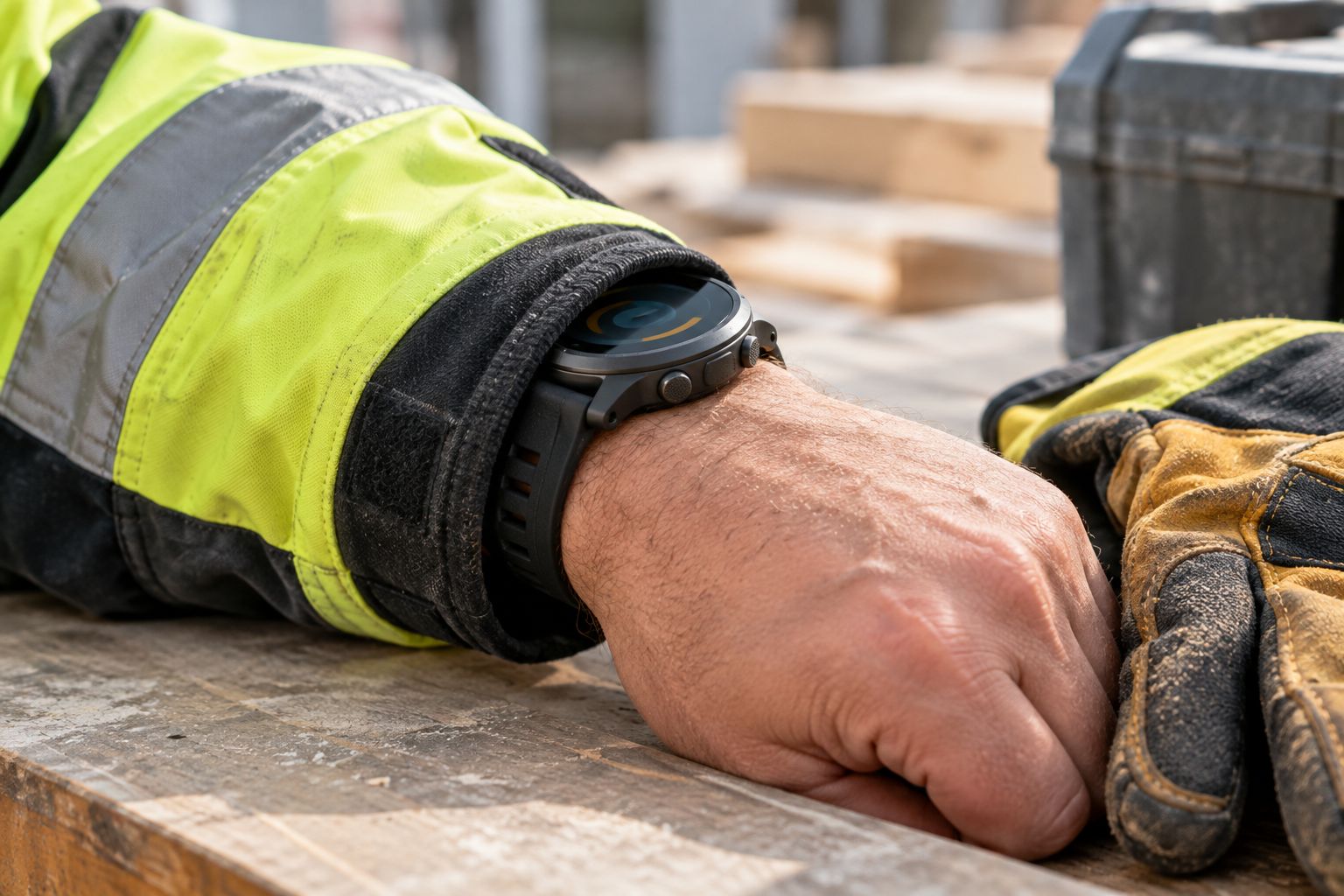
Start with a physical fit check whenever you can inspect the watch. Wear the gloves and sleeves you normally use, then check whether the watch remains accessible without interfering with protective equipment. Do this away from active work and machinery.
Test 2 everyday tasks: dismissing an alert and starting a timer. These expose control problems more clearly than scrolling through an attractive watch face. Physical buttons deserve attention, but their presence does not prove that their size, spacing, or functions suit your gloves.
A larger display provides more viewing area, while a larger case also occupies more wrist space. Decide which trade-off fits your workwear rather than treating the biggest screen as the default winner.
- Check button access with your usual gloves.
- Try the display under the lighting you encounter.
- Inspect how the case sits beneath your cuff.
- Confirm that permitted movements do not cause pressure or rubbing.
Match battery claims to your routine
Read the conditions behind each battery claim. Always-on displays, satellite tracking, cellular connections, and frequent notifications change power demands; a headline figure is not a promise for every combination of settings.
Build your 2026 charging plan around your actual schedule. Decide whether charging during sleep, after work, or during another permitted break fits your routine. Then check whether the watch needs a dedicated cable or charging cradle that you must keep accessible.
A longer stated runtime is useful only if it applies to the functions you intend to use. A watch that meets your workday needs with predictable charging is a better fit than one selected solely for its longest advertised low-power mode.
- Read which features were enabled for the battery claim.
- Check whether essential functions remain active in low-power mode.
- Identify the charging cable or cradle the model requires.
- Include travel and overtime in your charging plan.
Check alerts without treating them as safety equipment
Choose the information that deserves wrist space before enabling notifications. A timer, a permitted call alert, or a glance at the time has a defined purpose. A constant stream of app updates does not become useful simply because it appears on your wrist.
For your 2026 setup, keep notifications aligned with workplace rules. Consumer health readings, location functions, and emergency features are not substitutes for required monitoring, site communications, or emergency procedures. Verify each feature’s phone, connection, account, and regional requirements.
The same discipline applies to calling. A microphone and speaker do not establish that calls will be intelligible in your work environment, and a cellular label does not establish independent operation without checking the model’s requirements.
- Enable only work-permitted alerts with a clear purpose.
- Check whether calls require a nearby connected phone.
- Verify the conditions required for emergency features.
- Keep required site communication equipment separate from watch features.
Plan cleaning and inspection before buying
Read the care instructions before deciding whether a watch belongs in your routine. Dust, grit, sweat, and residues require cleaning methods appropriate to the particular case, strap, seals, and charging contacts. Do not assume a method is safe because another watch tolerates it.
Inspect the strap attachment, closure, case, and charging area before wear. If you find damage or trapped material that you cannot remove using the approved method, stop and consult the manufacturer’s instructions rather than improvising with solvents or sharp tools.
Include maintenance in the purchase decision. A watch that needs care you cannot reliably provide is a poor fit, even when its features look right on paper. Confirm replacement-strap compatibility by exact model rather than appearance.
- Read approved cleaning methods and prohibited substances.
- Check the strap, closure, and case for visible damage.
- Follow instructions for drying before charging.
- Confirm compatible replacement straps and charging accessories.
Compare watch options by the job they need to do
Choose an approach before choosing a model. The categories below describe different priorities, not verified specifications for every watch carrying that label. Each option still needs the same documentation and workplace checks.
| Option | Best for | Main advantage | Key limitation |
|---|---|---|---|
| Documented rugged smart watch | Workers whose conditions match the stated tests | Provides specific protection claims to evaluate | Rugged branding alone proves nothing; bulk also needs a fit check |
| General-purpose smart watch | Workers prioritizing phone features where wristwear is permitted | Keeps notifications and everyday functions together | Durability and glove controls require separate verification |
| Basic digital watch | Workers needing time, alarms, or simple timers | Keeps the feature checklist focused | Does not replace smart watch apps or connected functions |
| No wristwatch during restricted tasks | Workers covered by wristwear restrictions | Respects task-specific safety requirements | Requires another permitted way to check time and messages |
Choose the least complicated option that meets your actual requirements. A basic digital watch can be the right work tool, while a smart watch serves off-duty needs. Buying more features does not remove a safety restriction.
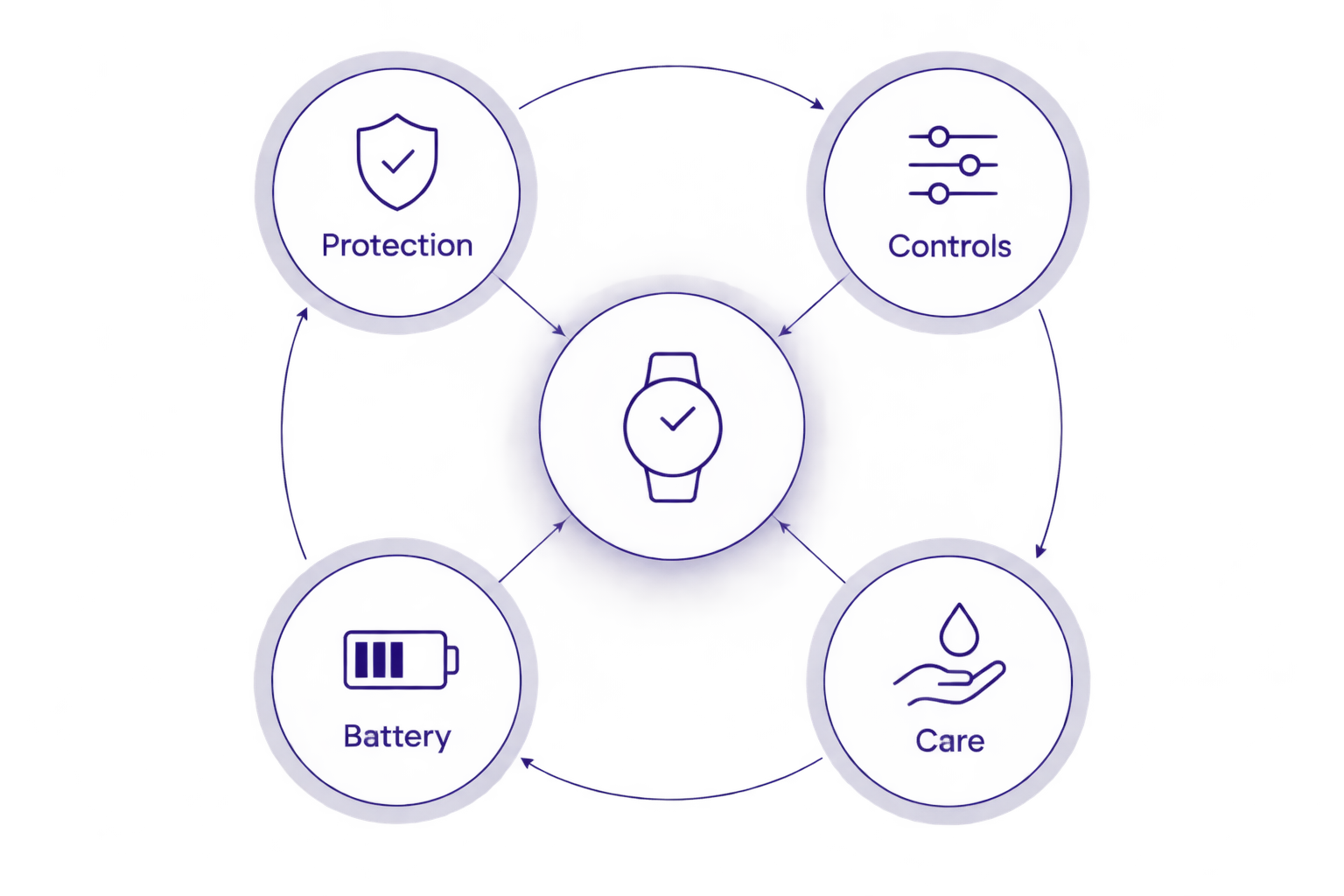
Use this comparison to eliminate mismatches, not to declare a universal winner. Return to the model’s documentation whenever a category label leaves an important question unanswered.
Common mistakes construction workers make
Treating water resistance as all-purpose durability
An immersion rating does not establish impact, chemical, or heat resistance. Match each exposure to a relevant manufacturer statement, and leave unsupported uses out of your plan.
Buying the biggest case without checking cuffs
A large screen and a comfortable fit are different requirements. Check case thickness, button access, and sleeve clearance together; a readable display is not enough if the watch interferes with your workwear.
Assuming every connected feature works independently
Check whether calls, location sharing, and emergency functions require a phone, connection, subscription, or supported region. A feature name is not a complete description of how it operates.
Choosing a metal strap as an automatic upgrade
Strap material does not override workplace rules or establish suitability for your tasks. Select the closure, fit, and cleaning requirements around permitted use—not around the assumption that heavier means tougher.
Reusing an old shortlist without checking the exact model
Refresh your 2026 comparison from current model documentation. Similar names and familiar product photos are not enough to establish identical controls, compatibility, charging accessories, or protection ratings.
FAQ
What are the best durable smart watches for construction workers?
The best durable smart watches for construction workers have documented protection that matches the job, usable controls, compatible phone features, and a practical charging routine. Check workplace wristwear rules before comparing models.
Does IP68 mean a smart watch is construction-proof?
No, IP68 does not mean a smart watch is construction-proof. Its ingress-protection rating does not establish resistance to every impact, chemical, temperature, or workplace hazard; read the manufacturer’s stated conditions.
Can I use a smart watch while wearing work gloves?
Glove usability depends on the watch controls and your gloves. Test essential actions with your actual work gloves in a safe setting rather than assuming a touchscreen or physical button will be easy to use.
Should construction workers choose buttons or a touchscreen?
Construction workers should choose controls they can operate reliably while following site rules. Physical buttons deserve a hands-on check, but button size, spacing, and assigned functions matter as much as their presence.
Can I wear a smart watch around machinery?
Wear a smart watch around machinery only when your employer’s task-specific rules permit wristwear. A different strap or rugged case does not remove a restriction.
Is a smart watch’s water resistance enough for cleaning concrete residue?
Water resistance alone does not establish a safe method for removing concrete residue. Follow the manufacturer’s cleaning instructions and avoid unapproved chemicals, scraping tools, or high-pressure water.
Can I shop for construction-work smart watches on Pendazi?
Pendazi sells smart watches as part of its multi-vendor consumer-goods marketplace. Evaluate each model’s protection documentation, controls, compatibility, and care instructions before treating it as suitable for construction work.
One last thing
Decide when you will take the watch off before deciding which watch to buy. Write those tasks into your checklist, then identify a clean storage place away from active equipment. This keeps your purchase decision tied to the work you are actually permitted to do while wearing it.
For your final 2026 check, revisit the least exciting details: the exact model, charging accessory, care instructions, and strap fit. Those details determine whether the watch fits your routine after the first day.
Related guides
- Best smart watches for fitness tracking
- Best smart watches for seniors
- Best wireless chargers for iPhone and Android
Discover more from Pendazi
Subscribe to get the latest posts sent to your email.







Add comment